Canva Crash Course - CPD Eligible For Teachers
- CohortNext cohort · November 13–28, 2026
- Live orientationFriday, November 13, 6:30 p.m.
Learn practical Canva skills through 20 quick hacks, 17 foundation videos, and a hands-on workbook created by Avid Canva User, Tina Ghazi — hosted by QC LearnU for easy, guided learning at your own pace.
Select your access type:
This Course Will Help You...
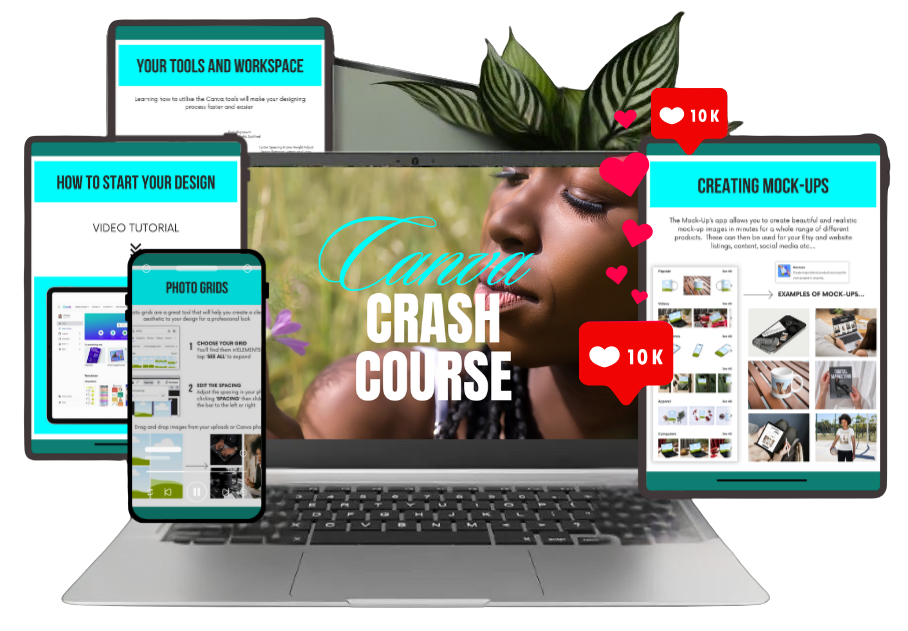
- Design with confidence — learn Canva’s essential tools and features step-by-step, even if you’ve never designed before.
- Work faster, with clarity — discover 20 quick hacks and 17 foundation lessons to save time without feeling rushed.
- Create professional projects — from social posts to planners and eBooks, even if you think you’re “not creative.”
- Stay organized and consistent — use your workbook to plan, practice, and build brand templates, even if you’re short on time.
- Grow your skills at your own pace — learn when and where it works for you, with supportive guidance from QC LearnU’s learning space.
Introductory Offer — $54 BZD (Regularly $75)
🎓 Enroll for CPD Certification - $54 BZDIncludes course access, assessment, and certificate
Will This Work for Me?
Absolutely — especially if any of this sounds like you…
- Are brand-new to Canva or feel unsure where to start
- Want simple, step-by-step guidance instead of guessing
- Prefer learning at your own pace, without overwhelm
- Tried Canva before but felt stuck or confused
- Want your designs to finally look clean, organized, and professional
No tech skills needed. No design background required.
Just a willingness to learn — we’ll guide you the rest of the way.
Includes course access, assessment, and certificate
Meet QC LearnU
Experience-Driven. Practitioner-Led. Designed for Real People.
QC LearnU is the learning track of Quiet Collab Solutions Ltd. — created for everyday learners who want clear, practical guidance without overwhelm. Our sessions are shaped and led by experienced practitioners from diverse industries, each bringing real-world insight and hands-on skill into every lesson.
At QC LearnU, the journey is simple:
learn with clarity, practice with confidence, and grow at your own pace.
Our programs are designed to support:
- Today’s professionals who want stronger digital and creative skills
- Tomorrow’s talent preparing for future-ready opportunities
- Individuals seeking practical, marketable capabilities they can use immediately
- Creators, freelancers, service providers, and everyday learners wanting step-by-step support
Whether you're designing for work, business, ministry, school, or personal projects, QC LearnU gives you access to structured, experience-driven learning that meets you exactly where you are.
Our mission is to make learning clear, grounded, and confidence-building — one session at a time.
Certificates Earned Through This Track
- QC LearnU Certificate
- QC LearnU NextGen Certificate
Quiet Collab Solutions Ltd. — rooted in faith, purpose, and gratitude — remains committed to creating learning spaces that elevate people quietly, steadily, and intentionally.
What’s Inside the Canva Crash Course (QC LearnU Edition):
Discover everything included in your QC LearnU Edition — 20 quick hacks, 17 foundation lessons, and the exclusive workbook designed to help you design smarter and faster.
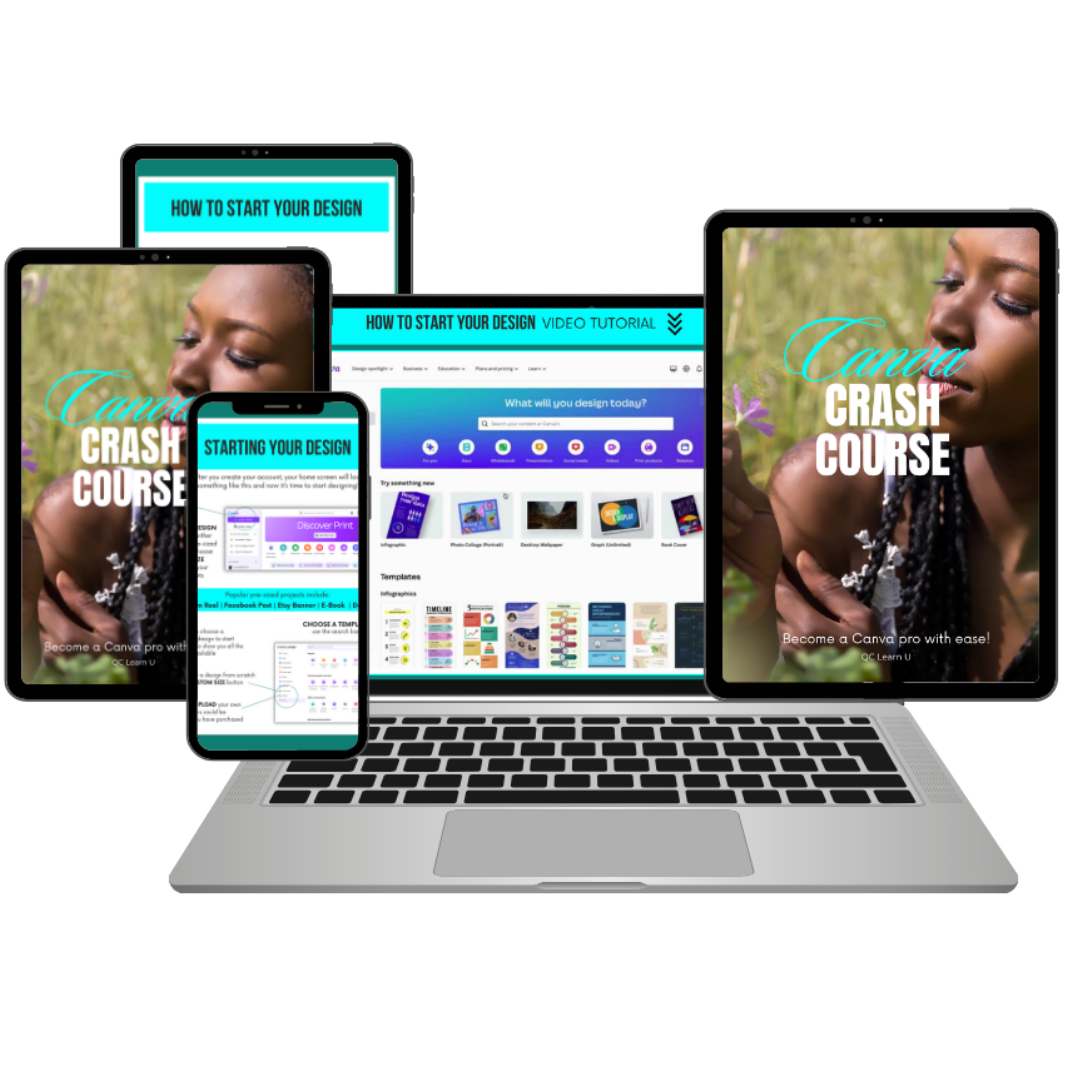
1. Getting Started in Canva - The Right Way
- How to set up your Canva account
- How to find templates for planners, ebooks, and workbooks
- Page sizes and layout basics so your designs look clean, consistent, and ready to use
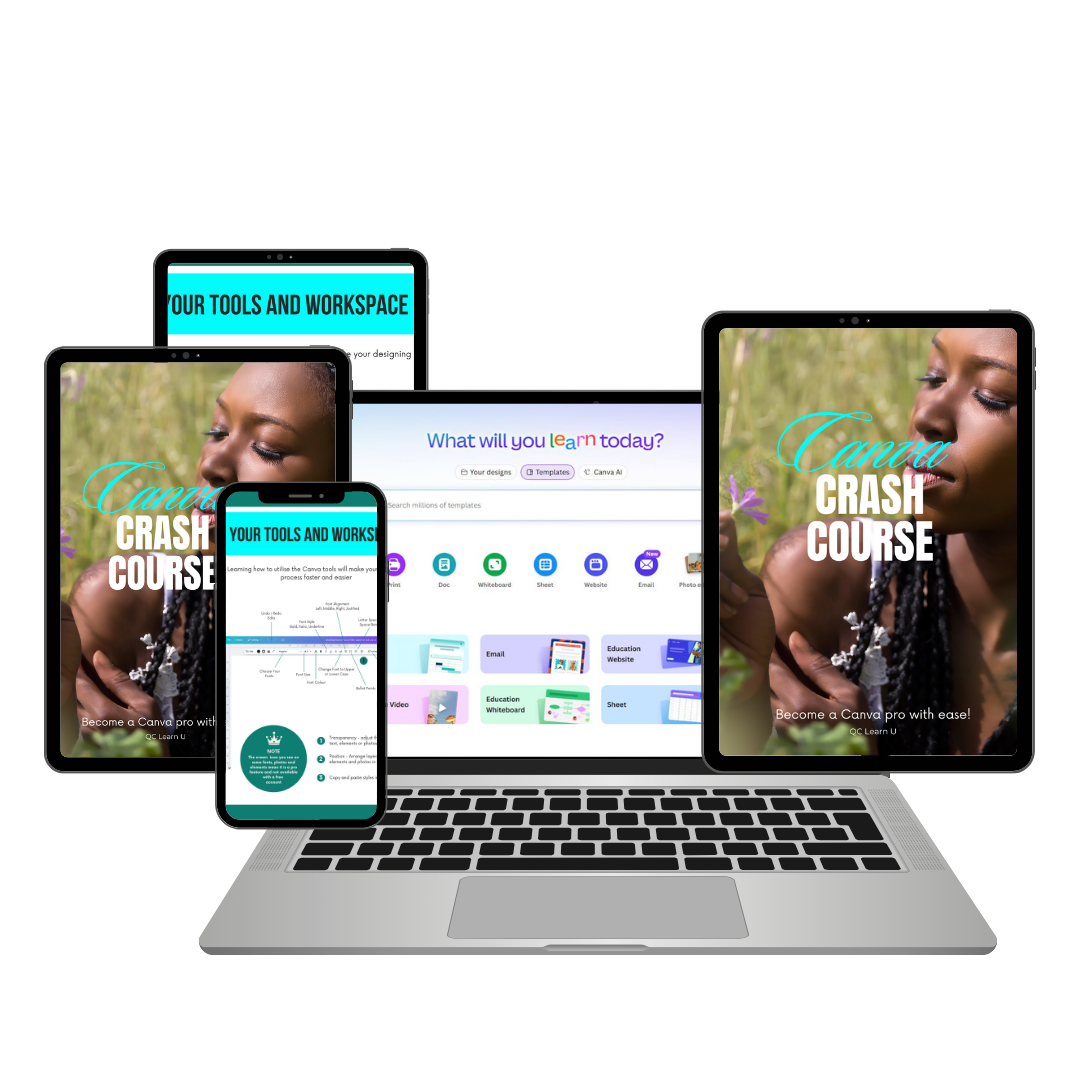
2. Setting Up Your Workspace Like A Pro
- How to organize your elements & uploads for lightning-fast creations
- Easy ways to maintain consistency across your various designs
- Folder systems that help keep your projects and elements neatly arranged
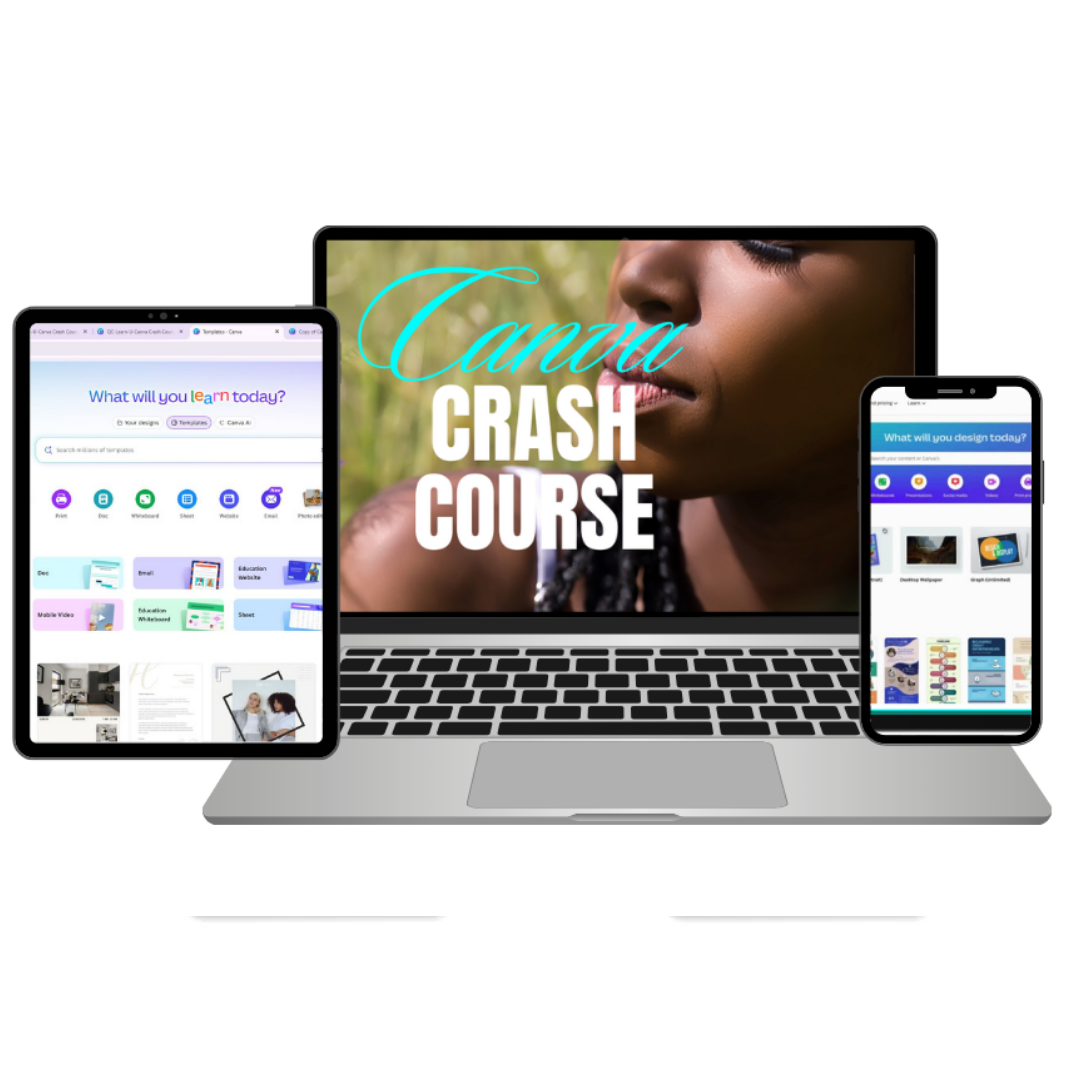
3. Essential Tools for Great Designs
- How to create planner pages with grids, lines & journaling spots
- Simple ways to create professional ebook layouts and chapter dividers
- How to design workbook exercises
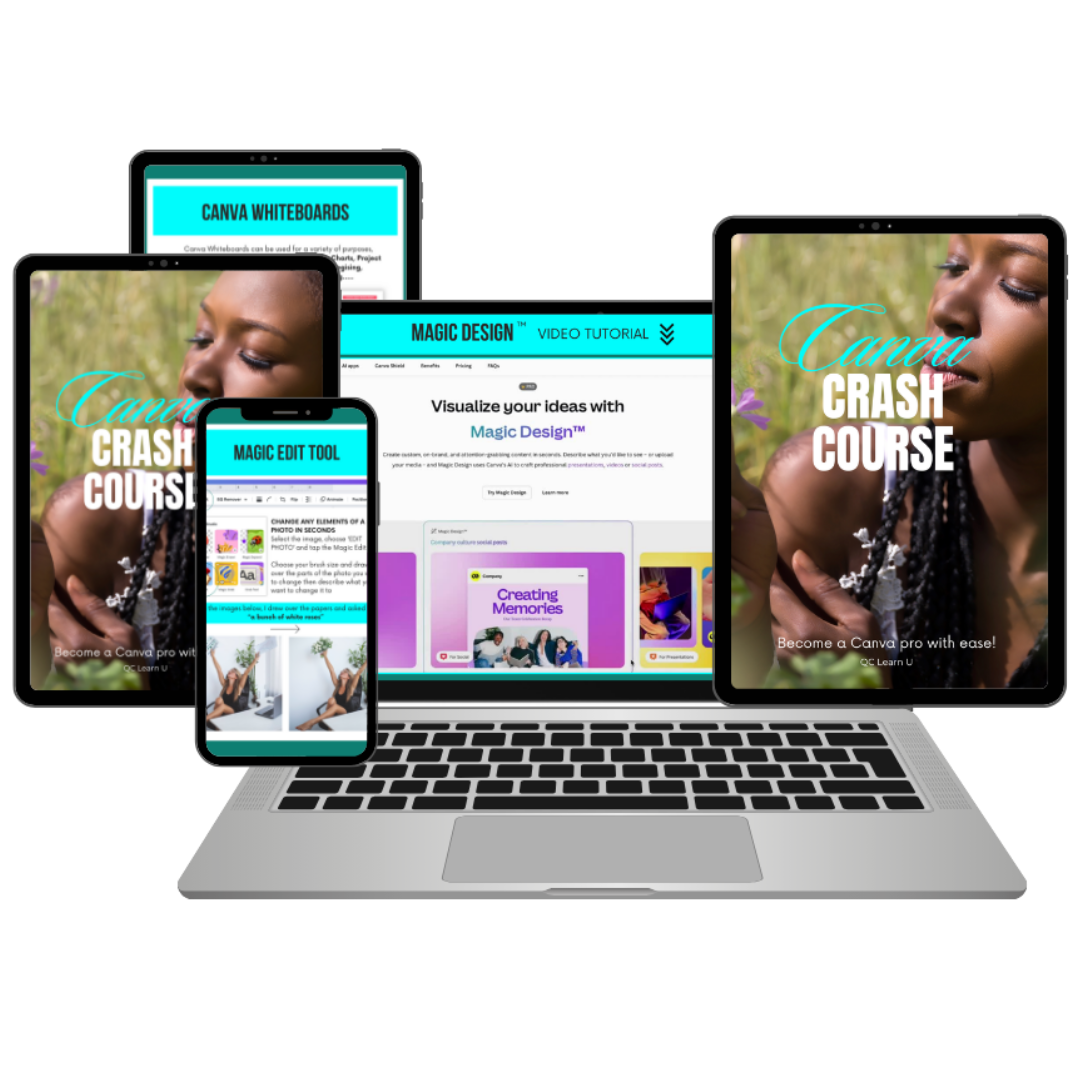
4. Canva Magic Features (AI + Smart Tools)
- How to use Magic Resize to create product bundles and other designs instantly
- How to create simple mockups to display your project or products
- How to use Smart Pages to create entire planners with just a few clicks.
5. Text & Links That Look Great
- How to create clickable tables of contents for ebooks, guides, etc.
- Font combinations that are easy to read and use
- How to add fillable form fields to planners etc.
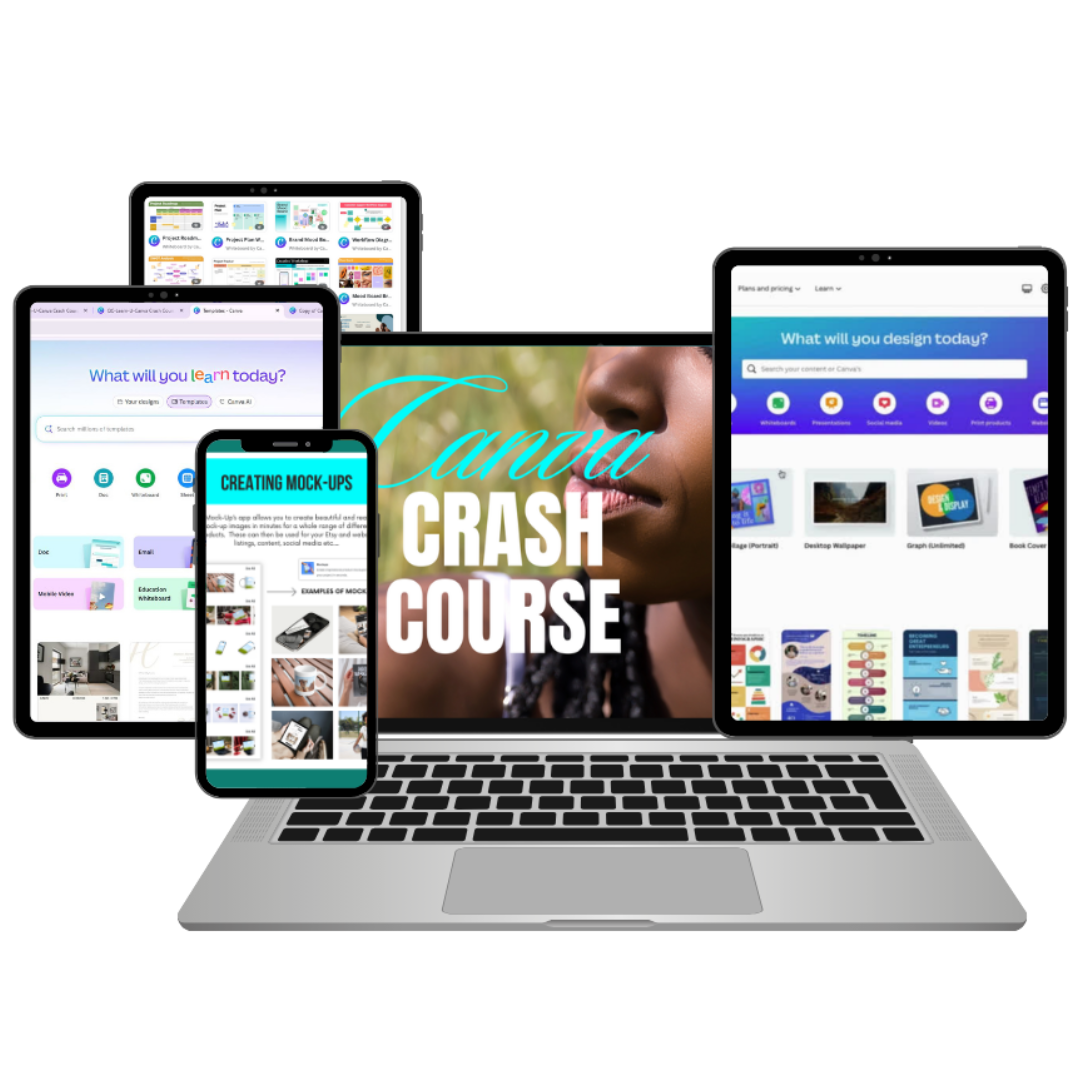
6. Preparing Your Formats
- The right file formats to use for different products/projects (PDF, PNG, JPG, etc.)
- How to create preview images or cover pages that clearly show what your design is about
- The best settings for designing products that works on different devices
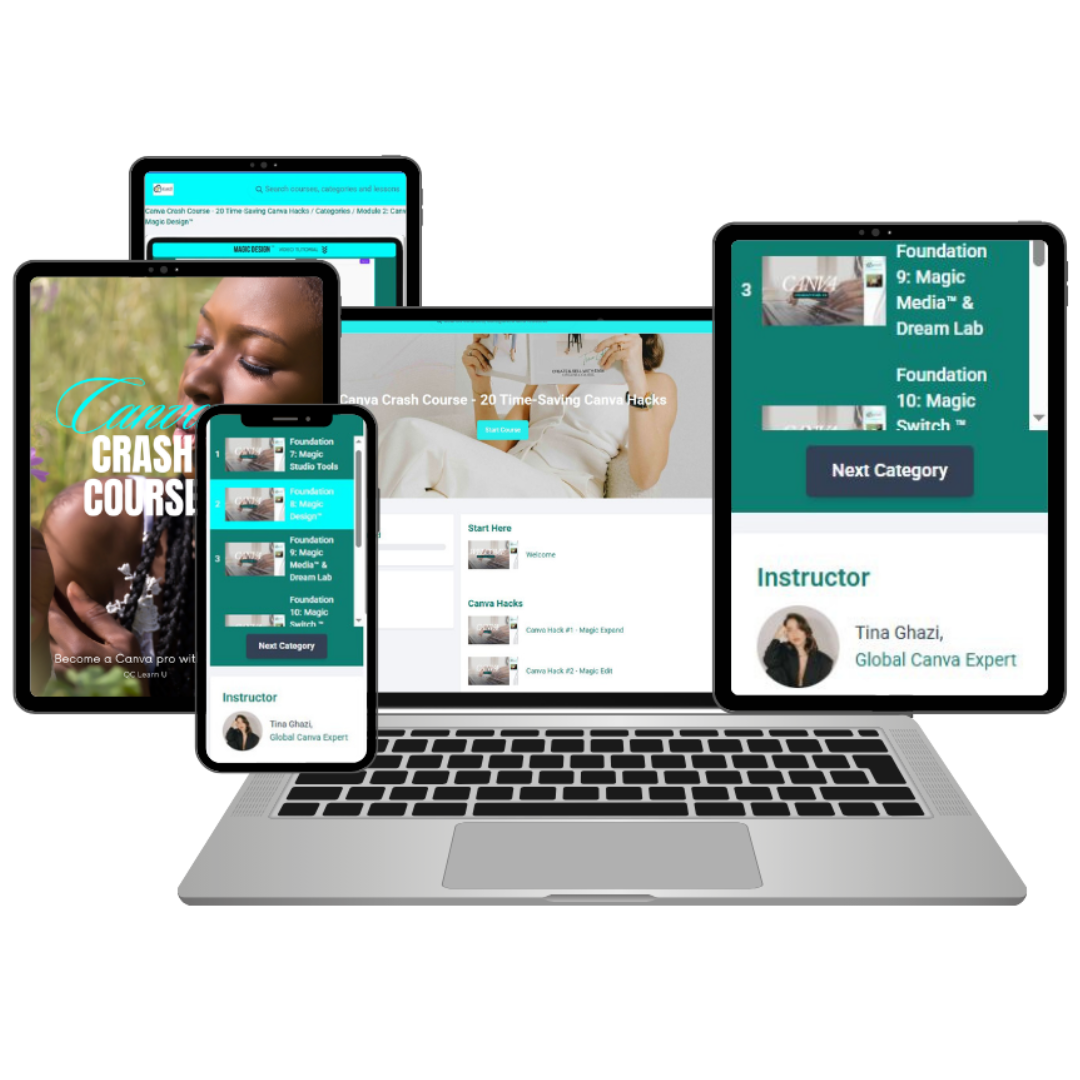
7. Guided Screen Tutorials (20 Quick Hacks + Foundation Lessons)
- Step-by-step video guides that walk you through key Canva tools and features
- Short, practical hacks showing real examples you can follow along with
- The flexibility to pause, rewind, and rewatch at your own pace
8. QC LearnU Certificate of Completion
- A branded QC LearnU Certificate you can download and showcase
- A confidence boost recognizing your new Canva skills
- A polished credential for your portfolio, resume, or online profiles
Still not sure?
Frequently Asked Questions
1. Do I need Canva Pro for this course?
Some lessons inside the course include features that are only available in Canva Pro — especially the AI, Magic, and automation tools. If you want to practice these features as you go along, it’s recommended that you have access to Canva Pro (even if it’s just through Canva’s free Pro trial).
You can still follow the foundational lessons and many of the quick hacks using the free version, but the more advanced tools shown in the course work best with Pro.
2. What if I’ve used Canva before or already know the basics?
You’ll still benefit — especially from the 20 Quick Hacks.
These short, practical lessons show time-saving techniques you may have never used, even if you’re already familiar with Canva.
You can:
- Start with the 20 Quick Hacks
- Apply them immediately to your existing workflow
- Then revisit the foundational lessons to fill in any gaps
This course works for both beginners and experienced Canva users who want to design faster and more confidently.
3. Who teaches the course?
The course was created and taught by Tina Ghazi.
This QC LearnU edition is hosted by Quiet Collab Solutions Ltd., who has organized the lessons, added structure, and included the certificate.
4. How long is the course?
The course includes approximately 2 hours of video lessons (20 Quick Hacks + foundational lessons).
Most learners finish in a few hours, depending on how much they choose to pause, practice, or experiment along the way.
You can learn entirely at your own pace.
5. Will I receive a certificate?
Yes.
You will receive a QC LearnU Branded Certificate of Completion, which you can download, print, or use to showcase your learning milestones.
6. Is this course affiliated with Canva?
No.
This course is independently compiled by Quiet Collab Solutions Ltd. and taught by Tina Ghazi, and is not affiliated with, sponsored by, or endorsed by Canva Pty Ltd.
Canva™ is a registered trademark of Canva Pty Ltd.
7. Can I take this course at my own pace?
Absolutely.
You can go through the lessons whenever it works best for you, pause or rewind as needed, and return to any section you want to practice again. The course is designed to fit into real life — no pressure, no deadlines.
Includes course access, assessment, and certificate
Get instant access for $54 BZD